
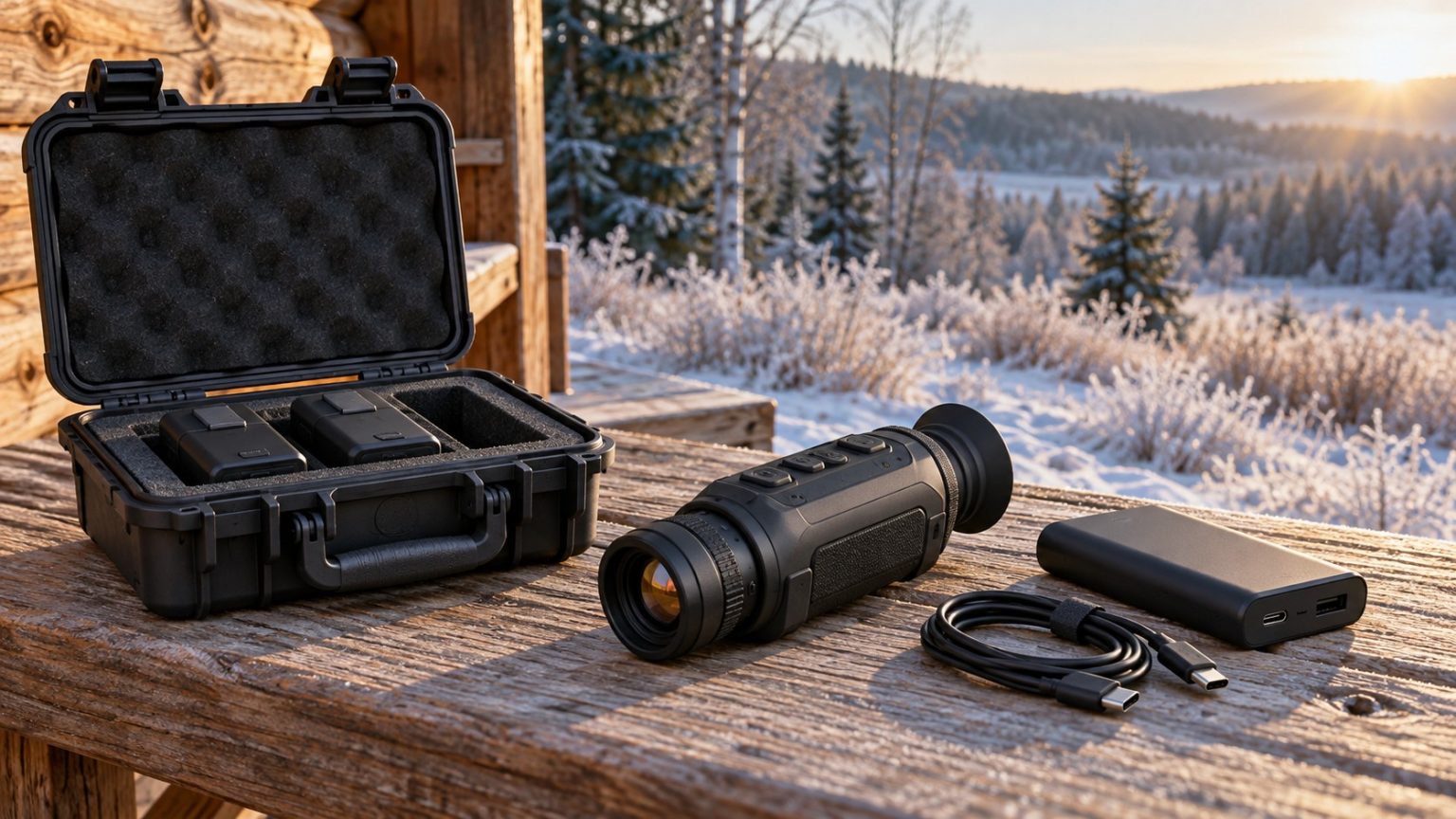
Thermal monocular battery life is not a fixed number you can transfer from a specification sheet to every outing. The advertised figure depends on test conditions, the battery arrangement and the features being used. Cold weather, recording and wireless functions can change the practical result.
A reliable plan starts with the device’s documented power system, then adds a realistic check of your own use. Know how long you need it to operate, how you will recognize a low charge, and which approved backup option is available before heading out.
Read the conditions behind the advertised hours
Check whether the listed runtime refers to one battery, an internal battery plus a removable pack, or an external supply. Look for the test temperature and any footnote about features.
Two manufacturer examples show why those details matter:
| Device example | Manufacturer’s stated runtime context | What not to assume |
|---|---|---|
| Pulsar Oryx LRF XG35 | 12 hours at 22°C using the built-in and removable batteries together | That the removable pack alone provides 12 hours |
| RIX TITAN series | About 5 hours at 72°F using a swappable 18650 battery | That any 18650 cell is an approved substitute |
The Oryx XG35 manual gives the combined-battery condition and notes that actual use of functions affects runtime. The RIX TITAN product FAQ describes its battery and external-power arrangement.
These are examples of reading specifications, not a controlled comparison between the devices. The stated temperatures, battery systems and operating conditions do not establish a directly comparable field result.
Estimate demand from your actual outing
Think about the full time away from a power source, then the way the monocular will be used. Six hours outside with occasional observations is different from six hours of continuous viewing and recording.
Avoid assuming that every standby mode uses no power. Some devices can turn the display off while leaving other systems active. Read what your model’s mode actually does, and test how quickly it returns to a useful image.
For a familiar local outing, note the starting charge, approximate active time, recording or wireless use, and remaining indication afterward. Repeat under conditions relevant to your longer trips. The result is a practical planning reference, not a laboratory capacity measurement.
If a birding session depends on long periods of quiet waiting, decide in advance when you will keep the viewer running and when a proper shutdown makes sense. Our thermal birding guide discusses the observation routine that power planning needs to support.
Cold-weather runtime and charging are separate questions
Lithium-battery performance can decline in cold conditions. The amount varies with the pack, its state and the device; there is no single percentage reduction that should be applied to every model.
Operating-temperature limits are not necessarily charging-temperature limits. A device that is approved to work in cold air may need to warm into a different permitted range before charging. Follow the battery and charger instructions rather than applying the operating range to both tasks.
Allow cold equipment to warm naturally as directed. Avoid direct heaters and improvised warming methods. If carrying a spare in a protected inner pocket is consistent with the manufacturer’s guidance, keep it in an appropriate case with its terminals protected.
Cold conditions can affect more than power. If the image also becomes harder to interpret in damp weather, separate that issue from battery condition using our guide to fog, rain and humidity.
Why milliamp-hours alone can mislead
Milliamp-hours, or mAh, describe charge capacity at a specified voltage. To compare energy, watt-hours are more useful:
Watt-hours = nominal volts × amp-hours.
For a hypothetical 3.6 V battery marked 3,000 mAh, first convert 3,000 mAh to 3 Ah. Its nominal energy is 3.6 × 3 = 10.8 Wh.
If a hypothetical device drew a constant 2 W and all that energy were usable, the simple estimate would be 10.8 ÷ 2 = 5.4 hours. Real runtime can differ because of conversion losses, shutdown limits, temperature, battery condition and changing power demand.
This calculation explains units. It does not estimate the runtime of a specific monocular unless you have appropriate data for that system.
Power-bank labels need the same care
A hypothetical power bank described as 20,000 mAh at a nominal cell voltage of 3.7 V stores about 74 Wh before accounting for the usable output and losses. You should not calculate 20 Ah × 5 V merely because its USB port delivers 5 V.
Use the bank’s stated energy and output specifications. Some labels also provide rated output capacity under defined conditions; read which figure you are using rather than mixing cell capacity with output voltage.
More importantly, check whether your monocular supports operation from external power, what input it requires, and which cable is suitable. A USB-C connector does not by itself guarantee that every charging or power mode is compatible.
The Oryx manual and TITAN FAQ cited above describe different supported arrangements. Follow your own model’s requirements, including any instructions for connecting a supply when a battery is fitted.
Spare batteries: match the specification, not just the shape
A removable battery can make a long outing easier, but compatibility is more specific than a broad size name. Use the approved pack or the precise cell specification given by the manufacturer.
Carry spares in suitable protective cases. Do not leave loose cells with keys, coins or other metal objects. Do not use damaged batteries or damaged cables.
Check how replacement works before relying on it in darkness or with gloves. Does the device need to be shut down? Is there a cover to secure afterward? Does an internal battery support a swap? Only treat a device as capable of uninterrupted swapping if its instructions explicitly support it.
Keep the battery compartment and connections in the condition required by the manual. Do not assume a weather rating remains applicable with a cover open or an external cable attached.
Pack a backup you have actually tried
Before a longer trip, perform a complete rehearsal of the chosen backup. Confirm the spare fits and powers the device, or that the external supply runs it with the intended cable. Keep the test long enough to discover an intermittent connection or an unexpected shutdown.
Route an external cable so it does not snag when the optic is raised or lowered. Avoid putting strain on the connector. If the setup requires leaving a protective cover open in wet conditions, check whether that is supported before choosing it as the plan.
Start with a correctly focused and configured device rather than spending power and attention troubleshooting in the field. The thermal setup guide gives a repeatable preparation routine.
Include power in the buying decision
An attractive purchase price can hide the cost of approved spares, a charger or an appropriate external supply. Our guide to whether budget thermal monoculars are worth it considers that wider ownership cost.
Compare power arrangements alongside image performance in the coyote-hunting thermal guide, budget thermal shortlist and thermal monoculars for birding.
The most useful runtime figure is the one you can support under your conditions, with a tested reserve. Manufacturer hours help you start the comparison; a compatible, rehearsed power plan is what helps you finish the outing.

Elliot Vantage is an optics enthusiast and the editor behind Optic Horizon, covering monoculars, binoculars, thermal optics, and related outdoor gear. He researches manufacturer documentation, optical specifications, product features, pricing, and use-case differences to help readers understand their options and choose equipment that fits their needs.