
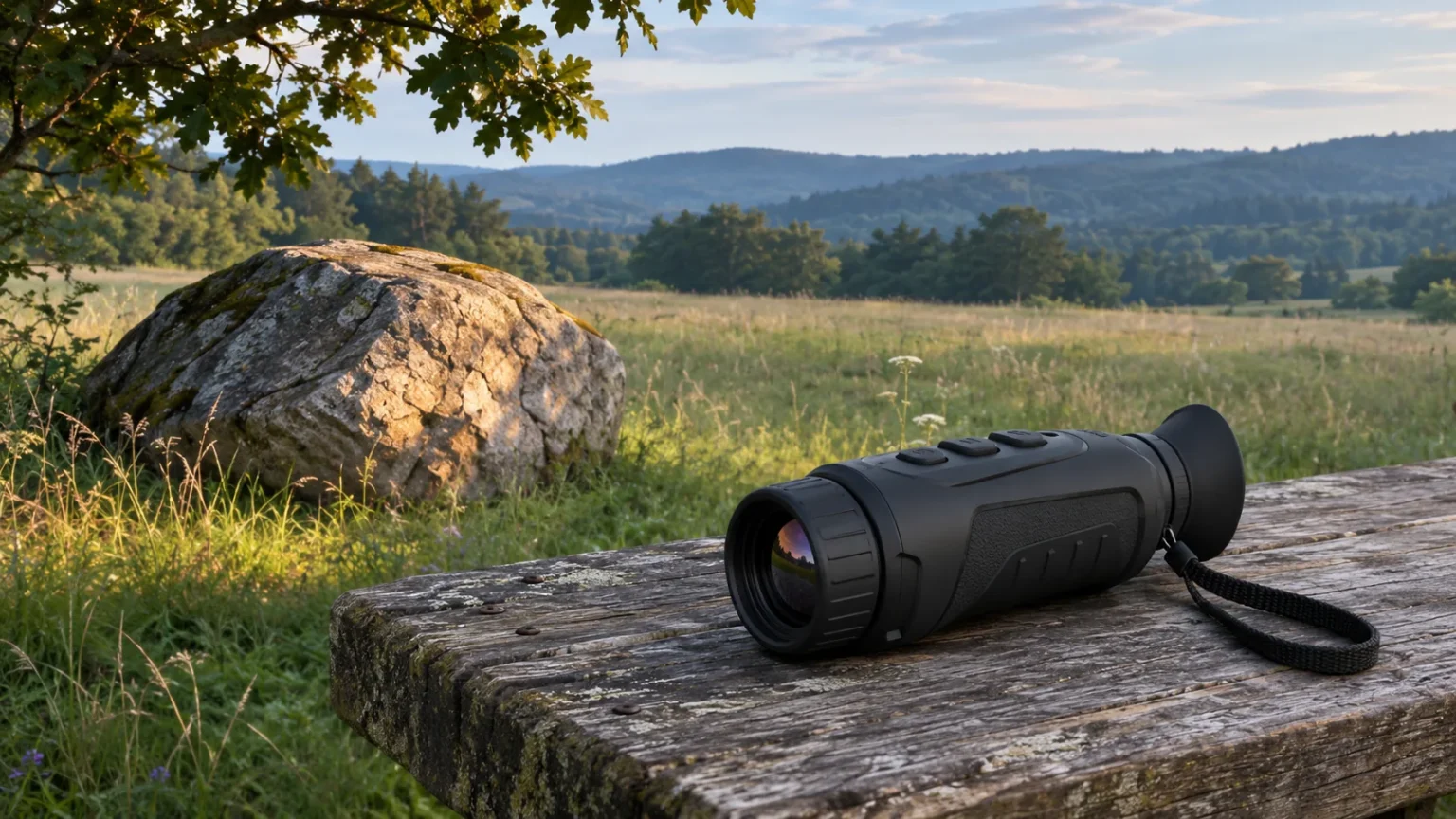
Thermal monocular hot tracking marks the spot the device reads as hottest in the current scene. It can help you find a small candidate you overlooked, but the marker can jump to another surface as soon as you pan. Use it to decide where to look next, then inspect the shape and surroundings before deciding what the spot represents.
What the marker is actually following
Think of the mark as an answer to a narrow question: where is the strongest apparent heat in this view right now? It does not tell you which subject is most interesting, whether the marked surface is alive, or whether the same object is still under the marker after the scene changes.
Imagine a shaded field edge where a small animal contrasts with the grass. The marker may land on the animal while it is the strongest signal in the view. Pan a little farther and a sun-warmed rock enters the frame. The mark can move to the rock while the animal remains visible. That jump does not mean the animal moved or cooled. It means the feature is responding to a different scene.
Check the exact menu on your model
The HIKMICRO LYNX 2.0 manual describes enabling Hot Tracking from Advanced Settings. Its marker follows the highest-temperature spot as the scene changes. The original HIKMICRO FALCON manual describes a similar result but presents the option in its own menu workflow. These examples establish the behavior for the documented series. They do not establish that every thermal monocular has the feature or uses the same controls.
Open the manual for your exact model and generation. Look for Hot Tracking or a description of a hottest-spot indicator. Check how to turn it off as well as on. A setting called Red Hot, a rangefinder aim point and a fixed screen reticle can all draw attention to a part of the image, but their names and appearance do not make them hot tracking.
Learn what a jump looks like before relying on it
Start from a safe, stationary position with an ordinary scene you can also inspect by eye. Use the base view, set focus for the distance and follow the model’s normal calibration instructions. Our thermal focus and calibration guide covers those preliminary checks.
With tracking off, pick two recognizable surfaces and note their locations relative to a landmark. Enable tracking without changing your aim. Then pan slowly until another part of the scene enters the view. Note whether the mark stays on the same surface or jumps. Lower the viewer and use the landmark to check what it selected. The purpose is to learn how the indicator behaves when the composition changes, not to compare actual temperatures.
Repeat the check with tracking off. If the mark had been hiding the edge of a small object, the unmarked view may be more useful for examining it. If you can no longer find the object, use a stable landmark before adding zoom. A narrow view can make relocation harder; see the thermal field-of-view guide for the coverage trade-off.
Use the overlay to cue a second look
Scan the scene normally first. When the marker lands somewhere you did not inspect, pause and look at the area around the mark, including any unmarked shapes nearby. A marker near a branch junction gives you a location to revisit. The branch pattern, silhouette and movement are the evidence you can actually compare between views.
If a second warm spot enters the frame, keep following the original subject by its location and shape rather than by the symbol. If you lose it behind a trunk, inspect the last visible opening instead of treating a new marker position as a continuation of the same sighting. A persistent marker on an exposed surface does not rule out an animal elsewhere in the frame.
For birding, leave the identification at the level supported by the observation. When conditions allow, use the landmark to follow up with binoculars or other suitable evidence from the same position. Our thermal birding workflow explains how to do that without turning an uncertain heat cue into a species record.
Interpret common results
If the mark moves to the frame edge while you pan, check what just entered the view. A warmer surface at the edge can take priority over the candidate in the center. Return to a wider view if you need more context, rather than cropping until the marker agrees with your expectation.
If the mark rests on a stationary object, look for a surface you can verify independently. A rock, exposed ground or a recently used vehicle may be a plausible source depending on the scene. These are possibilities to check, not fixed rules about which materials always appear hottest.
If the dot stays at the same screen coordinates when tracking is switched off and the scene moves, first check whether another overlay is enabled. A persistent point without an obvious interface explanation is a separate symptom. The defective-pixel guide explains how to document and investigate that symptom before changing the pixel map.
Keep palette and measurement separate
A dark patch can still be the marked spot in Black Hot. The palette changes how relative signals appear; it does not make a warm-looking point a measured temperature. The White Hot and Black Hot guide explains why a change in screen tone is not proof that a surface heated up or cooled down.
Do not read the mark as a distance, a calibrated temperature or an identification. A device with a separate measurement function needs its own documented procedure and conditions. A hottest-spot marker alone provides a location in the presented image.
Decide whether it matters when you shop
If you routinely scan busy backgrounds, an easily toggled marker may earn its place as a quick cue. If you spend most of your time following a known subject, a stable, uncluttered view and usable controls may matter more. When consulting the budget thermal monocular comparison, verify the feature on the exact variant and prioritize field of view, usable detail and handling for your actual outing.
Use hot tracking to find an area worth inspecting, then make the observation with the surrounding scene in view. The marker has done its job when it gets you to a useful second look.

Elliot Vantage is an optics enthusiast and the editor behind Optic Horizon, covering monoculars, binoculars, thermal optics, and related outdoor gear. He researches manufacturer documentation, optical specifications, product features, pricing, and use-case differences to help readers understand their options and choose equipment that fits their needs.